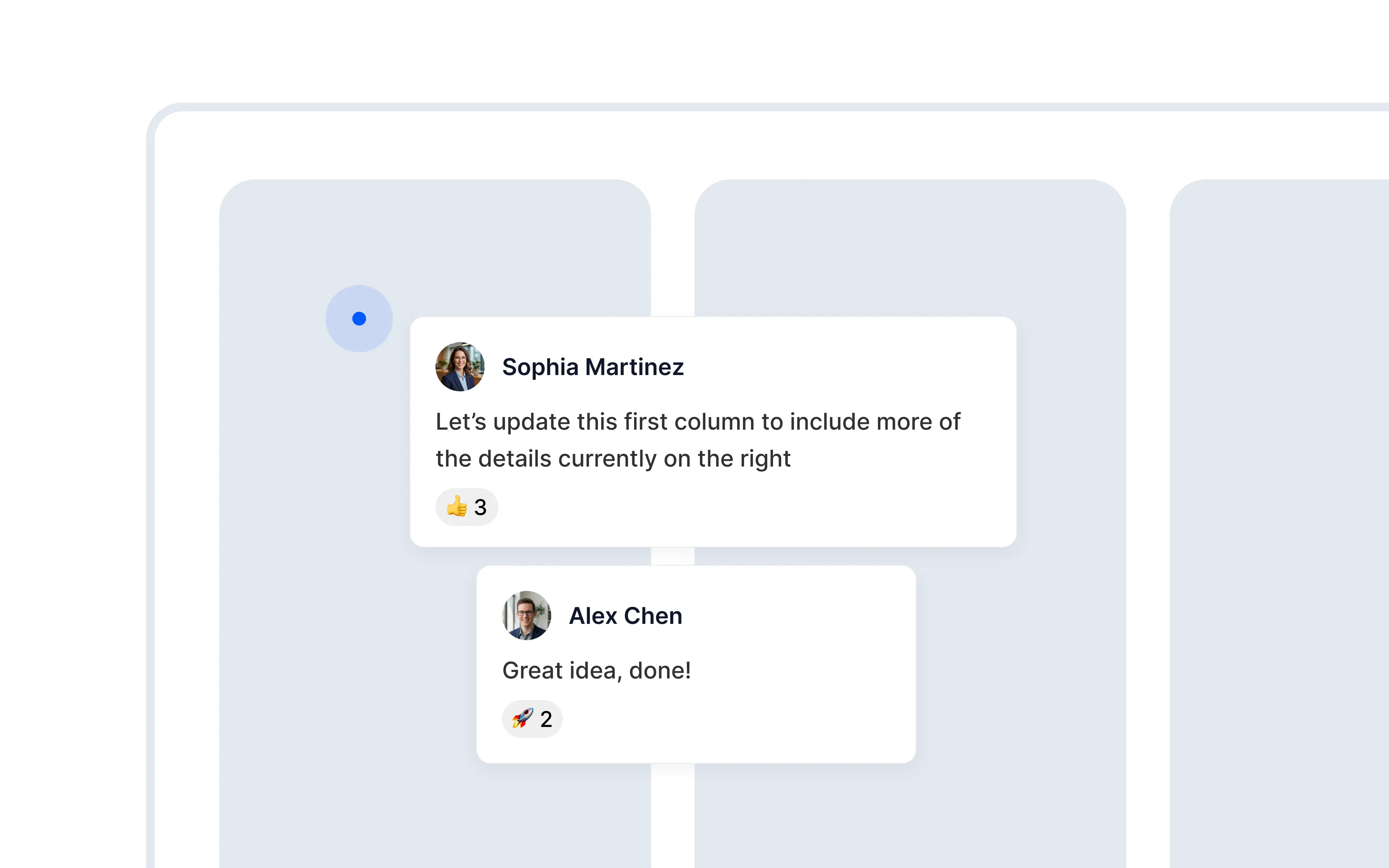
Comments give teams a shared place to discuss an Alloy prototype, tag collaborators, and keep feedback within the session.
Leave feedback directly on prototypes.
Prototypes are built to be shared, discussed, and refined. From today, you can comment directly on any prototype. Your team sees the feedback in context, right next to what it refers to.
Tag teammates. Mention anyone on your team to bring them into the conversation. They'll get notified and can jump straight to the relevant part of the prototype.
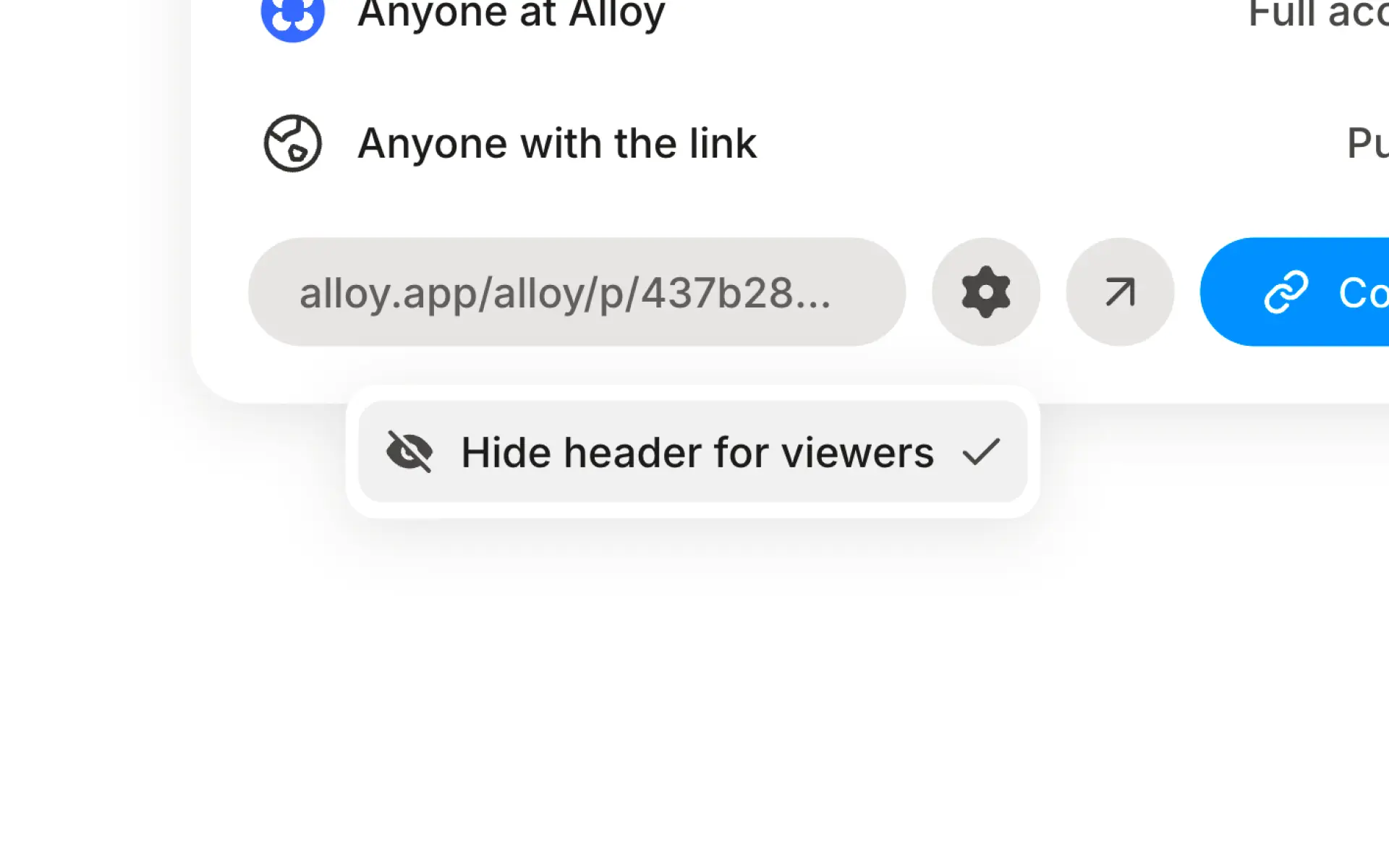
Collect feedback from customers. It's simple for people outside of your company to jump in and share their thoughts.
Threaded replies. Keep discussions organized with replies on each comment.
Comments are now available from the toolbar on any prototype.
Frequently asked questions
Share one reviewable prototype and keep the discussion beside the work so feedback does not fragment across documents and messages. Alloy comments let teammates and external guests start threads, tag collaborators, and reply in the session.
Yes, prototype review works best when invited stakeholders can respond without joining every internal tool. Alloy lets external users leave comments on shared prototypes while your team keeps the resulting conversation attached to the session.
Prototype feedback is most useful when it stays with the work being reviewed. Alloy stores comment threads in the prototype session, where teammates can see the discussion, tag one another, and reply in context.